- BY CATEGORY
- A-Z ALPHABETICAL LISTING

- HEAT PRESSES

- SUBLIMATION OVERVIEW
- SUBLIMATION INKS

- WASTE INK TRAYS

- HEAT PRESSES

- SUNANGEL LASER PRINTING

- LASER PAPERS
- HEAT PRESSES

- HTV BY THE METRE

- HTV CAMEO/CRICUT STRIPS
- HTV PORTRAIT STRIPS


- LOOSE RHINESTONES & STUDS


- RHINESTONE & RHINESTUD ALPHABETS


- Contact us
- FAQ


Slide Slide Slide Slide   WELCOME TO THE TRANSFER PRESS - THE DYE SUB EXPERTS
Established in 2003 we distribute for leading brands such as Sawgrass, Unisub, ChromaLuxe and Vapor Apparel. So if you need printers, inks, papers or sublimation imprintables we have got you covered!
We also have the SunAngel white laser printers, the Sawgrass ChromaBlast printers for cottons, inkjet papers, a wide range of UK made cotton imprintables, rhinestones and rhinestuds (including our new starter packages), and so much more.
NEED ADVICE OR HELP? THEN DO CALL US ON 01404 892995 OR USE THE LIVE CHAT.
WE ARE ALWAYS HAPPY TO HELP!  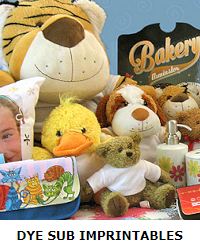 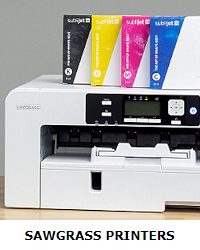 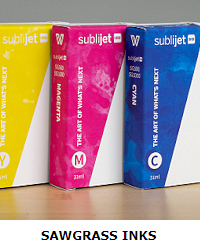  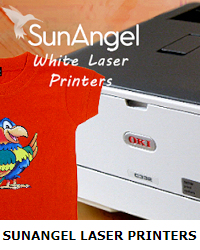  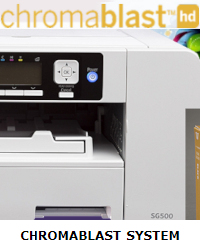 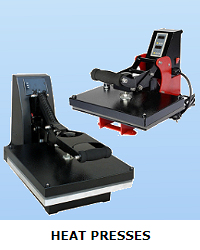  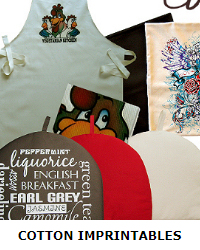 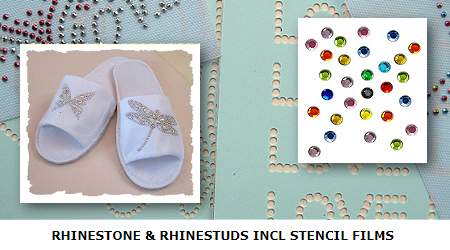  |